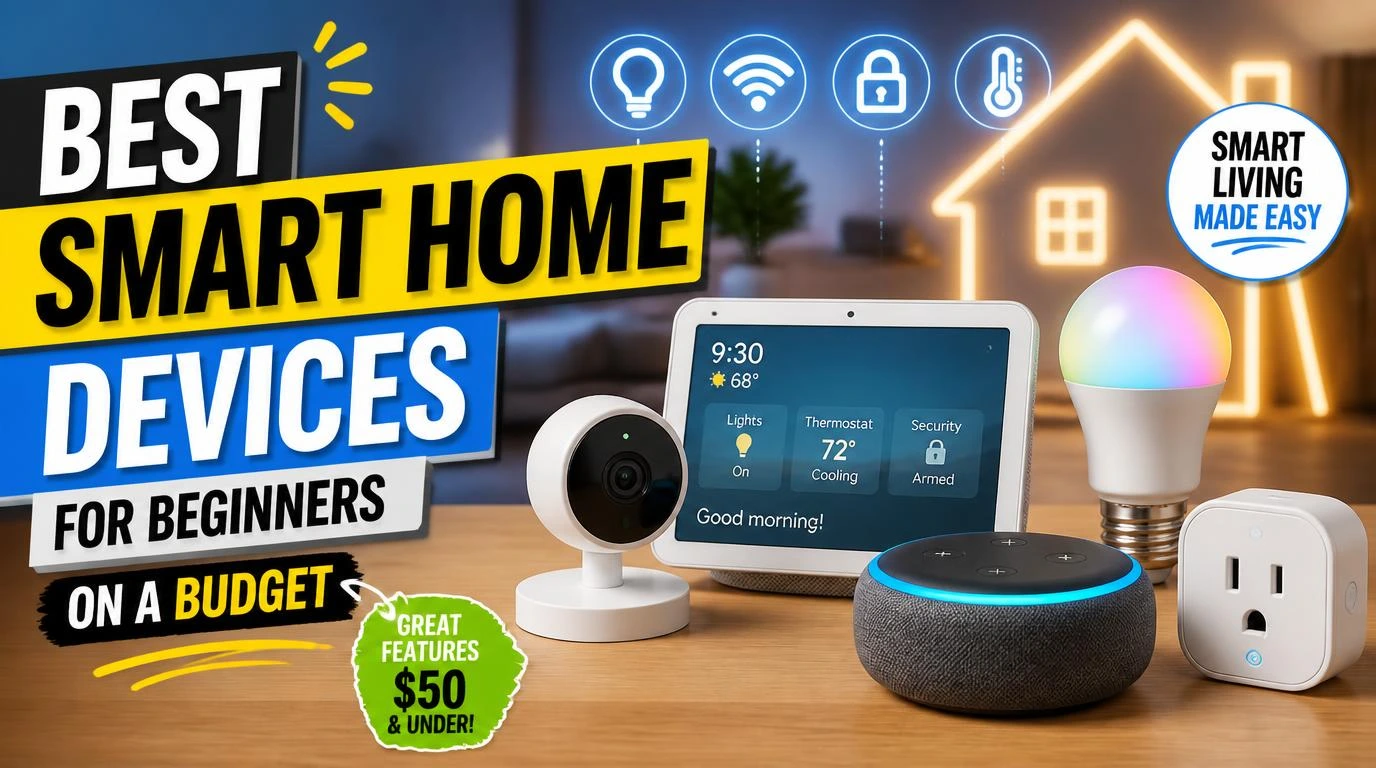
The best smart home devices for beginners on a budget aren’t the flashy $300 gadgets you see on YouTube. They’re the quiet, affordable ones that actually make your daily routine easier without requiring an engineering degree to set up. I started my smart home journey two years ago with less than $50 and honestly questioned whether any of it was worth the hype. Turns out, some of it really is. The trick is knowing where to start and what to skip entirely.
1. Amazon Echo Dot (5th Gen)
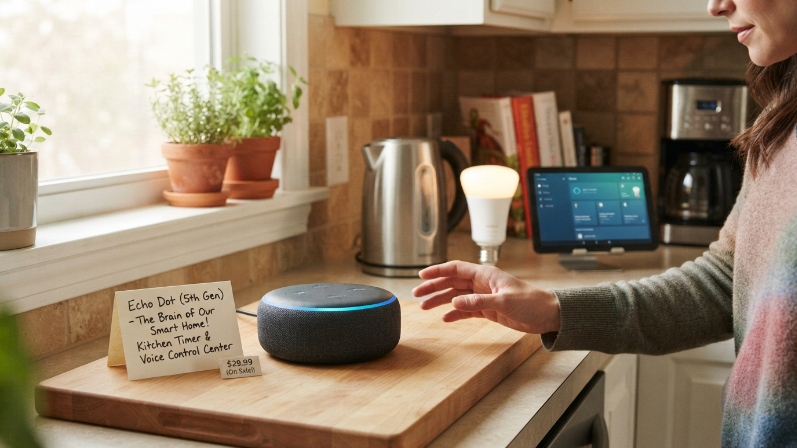
Every smart home needs a brain, and the Echo Dot is the most affordable one you can get. At around $25 to $30 on sale, it connects to almost everything and responds to Alexa voice commands instantly. The sound quality on the 5th gen is surprisingly decent for a speaker this small.
I keep one in my kitchen for timers and one in my bedroom as an alarm clock. It also controls every other smart device on this list, which makes it the foundation of your entire setup. If you catch it during Prime Day or Black Friday, you can grab one for under $20.
2. Smart Plugs (TP-Link Kasa or Wyze)
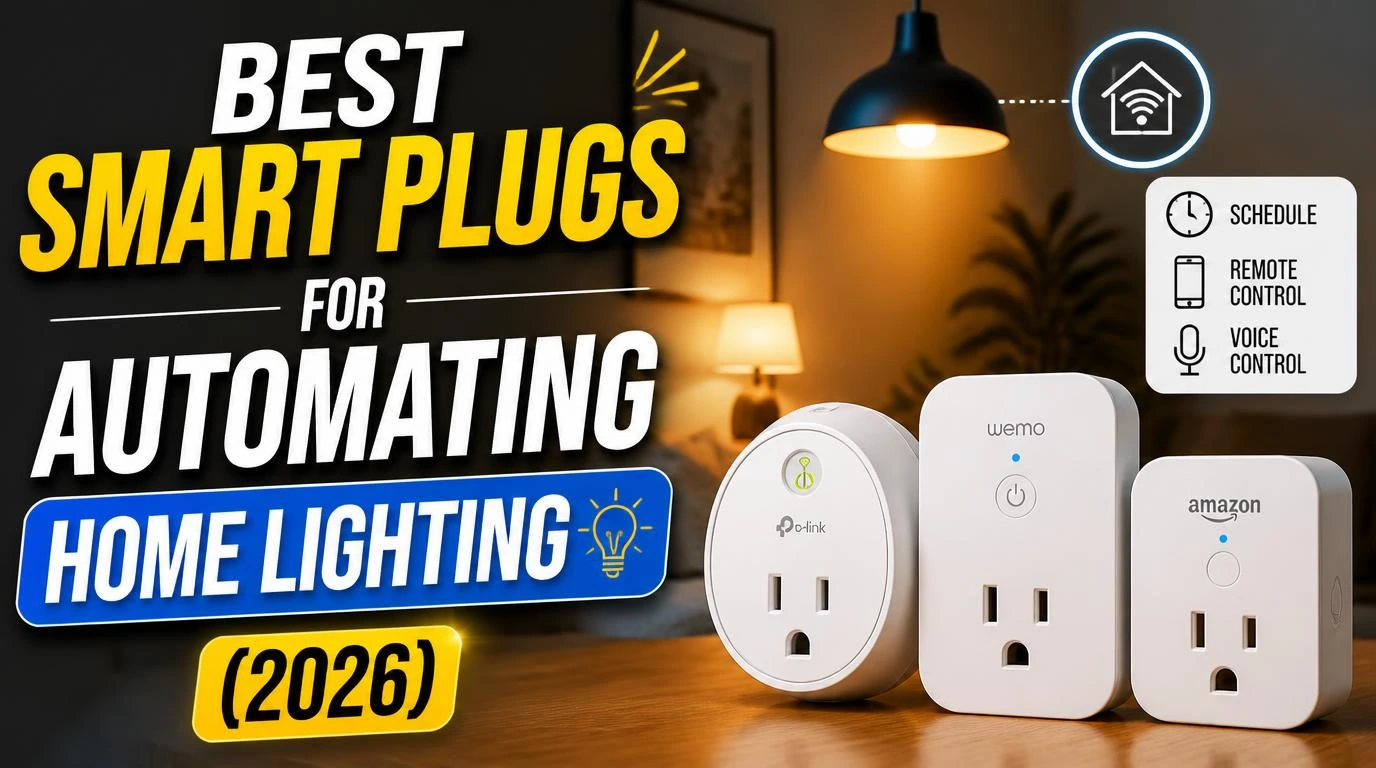
Smart plugs are honestly the most underrated devices in the smart home world. You plug them into any outlet, connect a lamp or fan, and suddenly you can control it with your voice or phone. A two-pack of TP-Link Kasa plugs runs about $15.
I use one for my living room lamp and another for a box fan in my bedroom. Setting schedules changed everything for me. My lamp turns on at sunset automatically, and the fan kicks on 10 minutes before I go to bed. Zero effort. The setup takes about three minutes per plug through the Kasa app.
3. Wyze Cam v3
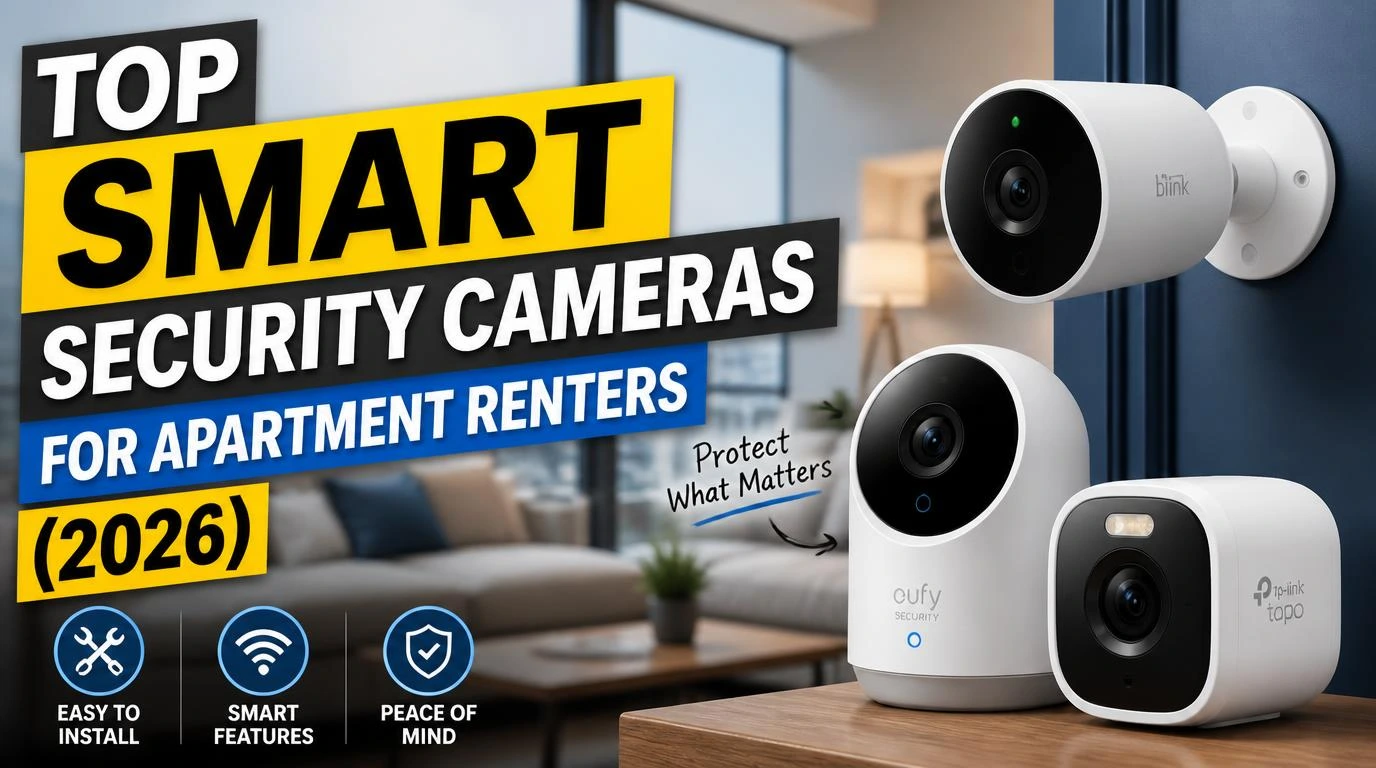
A budget security camera used to mean grainy footage and constant disconnects. The Wyze Cam v3 changed that completely. It costs around $25 to $35 and records in 1080p with solid night vision that actually works in pitch darkness.
I stuck one in my front window facing the driveway. The motion detection alerts hit my phone within seconds, and you can watch live footage from anywhere. There’s free cloud storage for 12-second clips, or you can pop in a microSD card for continuous recording. For the price, nothing else comes close.
Best Smart Home Devices for Beginners on a Budget: Lighting
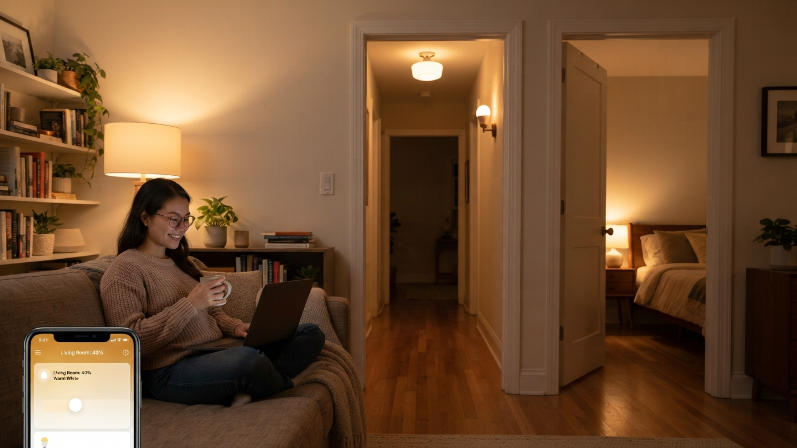
Lighting is where most people feel the “wow” factor of a smart home for the first time. Turning your lights on and off with your voice never really gets old, and the options here are extremely affordable.
Wyze Bulb or Philips Wio Smart Bulb
You don’t need the $50 Philips Hue starter kit to get smart lighting. A single Wyze Bulb costs about $8 and connects directly to WiFi without any hub. Philips Wio bulbs are similarly priced and work with both Alexa and Google Home right out of the box.
I replaced the three most-used bulbs in my apartment first. The bedroom, the hallway, and the living room. That alone cost me under $25. You can set them to dim automatically at night, which is genuinely better for your sleep. Color-changing bulbs are fun, but honestly, a basic tunable white bulb handles 90% of what you actually need.
5. Google Nest Mini (2nd Gen)
If you’re more of a Google person than an Amazon person, the Nest Mini is your entry point. It does everything the Echo Dot does but runs on Google Assistant instead. It typically costs $25 to $30 and goes on sale frequently.
Google Assistant tends to answer general knowledge questions more accurately than Alexa, which I noticed after testing both side by side. The Nest Mini also integrates beautifully with YouTube Music and Google Calendar. My partner uses one in the home office and prefers it over the Echo. The only downside is that the smart home device ecosystem for Google is slightly smaller than Amazon’s, but it still covers all the basics.
6. Smart LED Light Strips (Govee)
Govee light strips are probably the most fun-per-dollar purchase on this entire list. A 16-foot strip with app control and music sync costs about $15 on Amazon. You peel, stick, and plug them in.
I put a strip behind my TV and another under my desk. The ambient glow makes any room look like it costs way more than it does. You can control them through the Govee app, set color scenes, or sync them to music. They also work with Alexa and Google Home. Fair warning though, once you install one strip, you’ll want them everywhere.
7. Smart Door/Window Sensors (Wyze Sense)
These tiny sensors stick to doors and windows and alert your phone whenever they open or close. A starter pack runs about $20 for a hub and two sensors. They’re small enough that most people won’t even notice them.
I put one on my front door and one on a window that faces the fire escape. The peace of mind alone is worth the price. You can also set automations, like turning on a hallway light whenever the front door opens after sunset. That kind of automation feels futuristic and costs practically nothing.
8. Amazon Fire TV Stick Lite
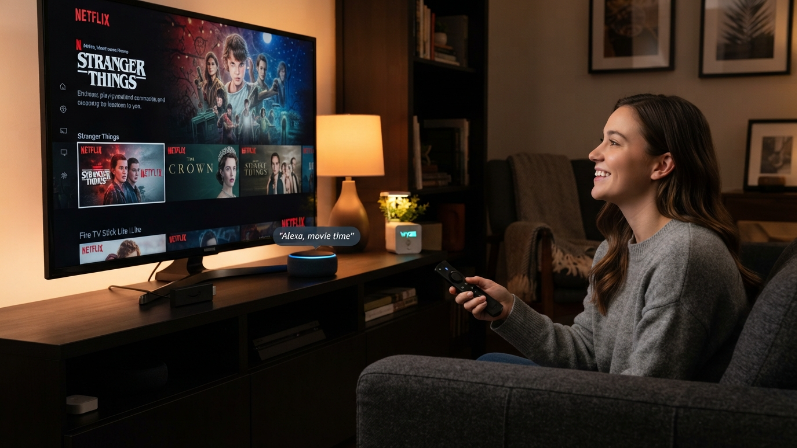
Technically a streaming device, but the Fire TV Stick Lite pulls double duty as a smart home hub of sorts. At $20 to $30, it gives you access to every major streaming app and responds to Alexa voice commands through the remote.
I replaced my Roku with the Fire Stick Lite because it integrates with my Echo Dot and smart plugs seamlessly. Saying “Alexa, movie time” dims my smart bulbs, turns on my TV, and opens Netflix. That kind of routine setup takes five minutes and makes you feel like you’re living in 2035. The Lite version skips 4K, but if your TV is 1080p, that literally doesn’t matter.
9. Smart Thermostat (Amazon Smart Thermostat)
Most people assume smart thermostats start at $200, but Amazon’s own smart thermostat runs about $60 to $80. It connects to Alexa, learns your schedule over time, and can actually save you money on energy bills. That makes it the one device on this list that pays for itself.
I installed mine without calling an HVAC tech. The app walks you through every wire, and the whole process took about 20 minutes. Within the first month, I noticed a real drop in my electric bill because it stops heating or cooling an empty apartment. If you’re renting, check with your landlord first, but most are fine with it since you can reinstall the old one when you move out.
How to Start Without Feeling Overwhelmed
The biggest mistake beginners make is buying too many devices at once. Start with a voice assistant and one or two accessories. Get comfortable with the app and the routines. Then add one new device every few weeks.
My first purchase was just an Echo Dot and a two-pack of smart plugs. Total cost: about $40. I lived with that setup for a month before adding anything else. That patience kept me from wasting money on gadgets I didn’t actually need. Your smart home should solve real annoyances in your daily life, not create new ones.
What to Avoid When Shopping on a Budget
Not every cheap smart home device is a good deal. I’ve bought a few duds that taught me some hard lessons. Off-brand smart plugs with no app support, cameras with terrible apps that crash constantly, and bulbs that lose WiFi connection every other day.
Stick with brands that have established ecosystems. Wyze, TP-Link Kasa, Govee, Amazon, and Google all have reliable apps with regular updates. Read recent reviews, not just the star rating. A product with 4.5 stars but complaints about the latest firmware update is a red flag. Spending $5 more on a trusted brand saves you the headache of returning junk.
Frequently Asked Questions
Do I need a hub to start a smart home?
Not anymore. Most budget smart home devices connect directly to your WiFi and work through their own apps. The Echo Dot or Nest Mini acts as a voice control center, but it’s not a traditional hub. You can control most things from your phone alone without buying any extra hardware.
What are the best smart home devices for beginners on a budget under $50?
An Echo Dot and a two-pack of TP-Link Kasa smart plugs will run you about $40 total during a sale. That combo lets you voice-control lamps and fans instantly. Add a Wyze Bulb for another $8 and you’ve got smart lighting too. It’s a solid starter kit that covers the basics.
Will smart home devices slow down my WiFi?
Most individual devices use very little bandwidth. A dozen smart plugs and bulbs won’t cause any noticeable slowdown. Cameras streaming video constantly are the biggest bandwidth users. If your internet plan is at least 50 Mbps, you should be fine with a full beginner setup without any issues.
Can I use Alexa and Google Home devices together?
You can, but I wouldn’t recommend it for beginners. Mixing ecosystems creates confusion when setting up routines and automations. Pick one voice assistant and build around it. You’ll have a smoother experience and fewer compatibility headaches. Once you’re more comfortable, you can experiment with mixing platforms.
Are smart home devices safe from hackers?
No device connected to the internet is 100% hack-proof, but you can minimize risk easily. Use strong, unique passwords for each app account. Enable two-factor authentication whenever it’s available. Keep your devices updated with the latest firmware. These basic steps block the vast majority of common threats.
Conclusion
Building a smart home on a budget isn’t about buying everything at once. It’s about picking a few reliable devices that genuinely make your life easier and growing from there. What was the first smart device you added to your home, or what are you thinking about grabbing first?