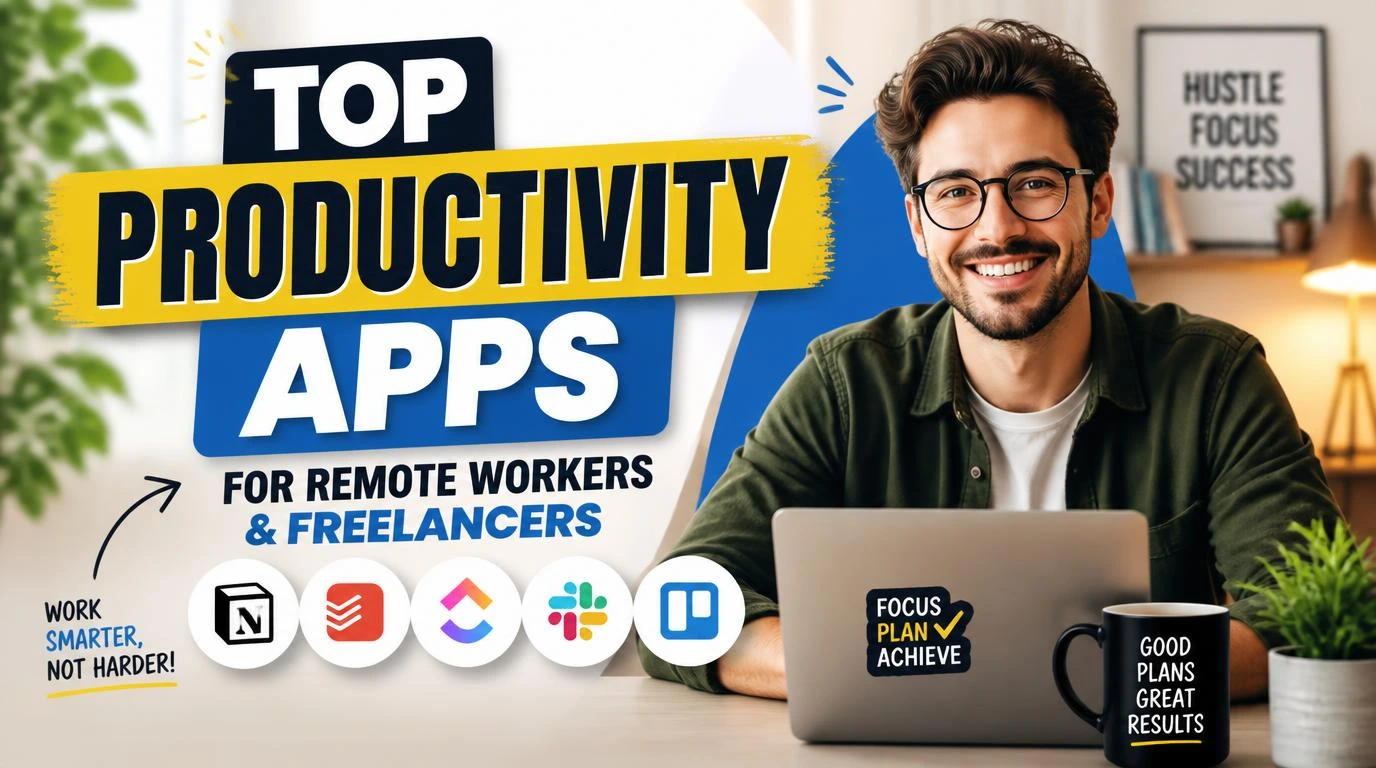
Finding the top productivity apps for remote workers and freelancers felt impossible when I first ditched my office job three years ago. I was drowning in sticky notes, missed deadlines, and seventeen open browser tabs pretending to be a “system.” Sound familiar? The truth is, most of us don’t need more willpower. We need better tools. After burning through free trials like they were going out of style, I landed on a handful of apps that genuinely changed how I work from home.
1. Notion: The All-in-One Workspace That Actually Delivers
Notion replaced about four other apps for me, and my subscription costs dropped overnight. It handles project management, note-taking, databases, wikis, and even simple spreadsheets inside one clean interface. I use it to track client projects, store templates, and plan content calendars.
What makes Notion sticky is its flexibility. You can build it into whatever you need. A freelance writer’s setup looks completely different from a web developer’s, and that’s the point. The learning curve is real, maybe a weekend of tinkering, but once you build your first dashboard, you won’t go back to juggling Google Docs and Trello separately.
2. Toggl Track: Know Exactly Where Your Hours Go
I used to guess how long tasks took me. I was wrong every single time. Toggl Track fixed that embarrassing habit by making time tracking so simple I actually do it. One click starts a timer. One click stops it. That’s the whole process.
The weekly reports changed how I price my freelance work. I realized I was spending 11 hours a week on a client I was billing for 6. Toggl showed me the gap in cold, undeniable numbers. The free plan covers most solo freelancers, and the browser extension means you can start timers from inside tools like Asana, Notion, and Trello without switching tabs.

3. Slack: Still the Best for Client Communication
Yes, everyone knows about Slack. But I’m including it because so many freelancers still rely on messy email threads and random WhatsApp messages. Slack keeps client conversations organized in channels, and the search function alone has saved me from awkward “can you resend that?” moments more times than I can count.
The “Do Not Disturb” scheduling feature is underrated for remote workers. I set mine to block notifications after 6 PM, and it quietly tells anyone who messages me that I’ll respond later. Boundaries without the awkward conversation. If your clients already use Slack, joining their workspace is free and keeps everything in one place instead of scattered across three messaging platforms.
4. Todoist: Simple Task Management That You’ll Actually Use
I’ve tried complex project management tools with Gantt charts and dependency mapping. They made me feel productive without actually being productive. Todoist strips task management down to what matters: writing things down, assigning dates, and checking them off.
The natural language input is what hooked me. Type “Send invoice to Sarah every Friday at 10am” and Todoist automatically sets a recurring task with the right date and time. No dropdowns, no clicking through menus. I keep a “Today” view open on my second monitor, and it keeps me honest about what I’ve committed to versus what I’m pretending doesn’t exist. The free tier is generous enough for most people, though the Pro plan’s filters and reminders are worth the $4 per month.
5. Zoom: The Video Call Standard for a Reason
Remote work means video calls. A lot of them. I’ve used Google Meet, Microsoft Teams, and a handful of smaller alternatives. Zoom still wins for reliability, and reliability is the only thing that matters when you’re presenting to a client and your screen freezes.
The recording feature has been clutch for me as a freelancer. I record client kickoff calls (with permission, obviously) and reference them later instead of relying on my own messy notes. The free plan limits group calls to 40 minutes, which honestly forces meetings to stay focused. Sometimes constraints are gifts. If you’re doing one-on-one client calls, the free plan has no time limit at all.

6. Google Drive: Cloud Storage You Already Know How to Use
There’s nothing flashy about Google Drive, and that’s exactly why it works. Fifteen gigabytes of free storage, seamless sharing, and real-time collaboration on documents and spreadsheets. I store every client deliverable here, organized in folders by client name and project.
The offline mode saved me during a power outage last winter when I needed to access a contract. As long as you’ve enabled offline access beforehand, your files are right there. For freelancers who collaborate with teams, the commenting and suggestion features inside Google Docs eliminate the back-and-forth of emailing revised Word documents. It integrates with practically every other tool on this list, which keeps your workflow connected without extra effort.
7. Calendly: Stop the Scheduling Ping-Pong
“What time works for you?” “How about Tuesday?” “Actually, Wednesday is better.” I used to waste 10 minutes scheduling a 15-minute call. Calendly ended that cycle permanently. You set your available hours, share a link, and people book themselves into your calendar.
The buffer time feature is something I wish I’d set up sooner. I add 15 minutes between meetings so I’m not jumping from one call straight into another without even refilling my coffee. Calendly syncs with Google Calendar, Outlook, and iCloud, so double-bookings don’t happen. The free plan gives you one event type, which covers most freelancers who just need a “Book a Call” link on their website.
8. 1Password: Because “password123” Isn’t a Strategy
Managing dozens of client logins, platform accounts, and subscription passwords with a spreadsheet or your memory is a ticking time bomb. 1Password stores everything behind one master password and fills login fields automatically. I switched after getting locked out of a client’s WordPress site during a deadline crunch.
The secure sharing feature is genuinely useful for freelancers who need to receive credentials from clients. Instead of someone texting you a password (please stop doing this), they can share it through 1Password’s vault. It costs $2.99 per month, and that’s a small price for never losing a password again. The travel mode feature also lets you hide sensitive vaults when crossing borders, which digital nomads should know about.

9. Loom: Explain Things Without Scheduling Another Meeting
Some things are easier to show than explain over text. Loom lets you record your screen and camera simultaneously, then share the video with a link. I use it to walk clients through design revisions, explain technical processes, and give feedback on drafts without typing a novel in an email.
The speed controls on the viewer’s side are a nice touch. Your client can watch your 5-minute walkthrough at 1.5x speed if they’re in a hurry. I’ve also started recording Loom videos for onboarding new clients, showing them how I organize shared folders and where to find deliverables. Record it once, reuse it forever. The free plan gives you 25 videos with a 5-minute limit per video, which covers most quick updates.
10. Focus@Will: Background Music That Actually Helps You Concentrate
This one surprised me. I was skeptical about a “scientifically optimized music” app, but my output genuinely improved when I started using Focus@Will during deep work blocks. The channels are designed to reduce distraction without being noticeable, which is the whole point. Lyrics pull your attention away. These tracks don’t.
I tested it against my usual Spotify playlists for two weeks, and my Toggl Track data showed a 20% increase in focused work time during Focus@Will sessions. It’s not magic, but it creates a consistent audio cue that tells your brain it’s time to work. The subscription runs about $7.49 per month after the free trial, which feels reasonable if you bill by the hour and those extra focused minutes translate directly into income.
How to Pick the Right Productivity Apps for Your Workflow
Not every app on this list belongs in your toolkit. Stacking too many tools creates its own kind of chaos, switching between eight platforms just to manage a single project. Start with your biggest pain point. If you’re always late on deadlines, try Todoist. If you have no idea where your time goes, start with Toggl Track.
I run my entire freelance business on five of these ten apps. The rest I use occasionally or recommend to clients who have different needs. The best system is the one you’ll actually use every day, not the one with the most features on a comparison chart.
Frequently Asked Questions
What are the best free productivity apps for freelancers?
Todoist, Toggl Track, Google Drive, Slack, and Calendly all offer solid free plans. You can run a legitimate freelance operation without paying a dime if you stay within their free tier limits. I started with all free versions and only upgraded Todoist and Toggl after six months when I genuinely needed the extra features.
Do I need a project management app if I work alone?
Absolutely. Even solo freelancers juggle multiple clients, deadlines, and deliverables. A project management tool like Notion or Todoist keeps everything visible in one place. I forgot a client revision once because it was buried in my email. That mistake cost me a relationship. A simple task board prevents those situations entirely.
Which top productivity apps for remote workers and freelancers work best together?
My core stack is Notion for project planning, Toggl Track for time tracking, Slack for communication, Google Drive for file storage, and Calendly for scheduling. These five integrate well with each other and cover every major workflow need. Adding Loom for async video keeps my meeting count low while still communicating clearly.
How do I avoid app overload as a remote worker?
Limit yourself to one app per function. One task manager, one communication tool, one time tracker, one file storage solution. If you catch yourself using two apps that do the same thing, pick the one that fits your workflow better and delete the other. Simplicity beats sophistication when you’re the only one running your business.
Are paid productivity apps worth the money for freelancers?
It depends on how directly the upgrade saves you time or earns you money. Toggl Track’s paid plan helped me identify underpriced clients, which led to renegotiated rates. That paid for itself in a week. But I’ve never needed Slack’s paid plan. Only upgrade when the free version is genuinely holding you back, not just because a feature list looks appealing.
Conclusion
The right productivity apps won’t fix a broken workflow overnight, but they’ll give you the structure to build one that actually holds up. Pick two or three from this list, commit to using them for a month, and adjust from there. What’s the one tool you can’t imagine working without?