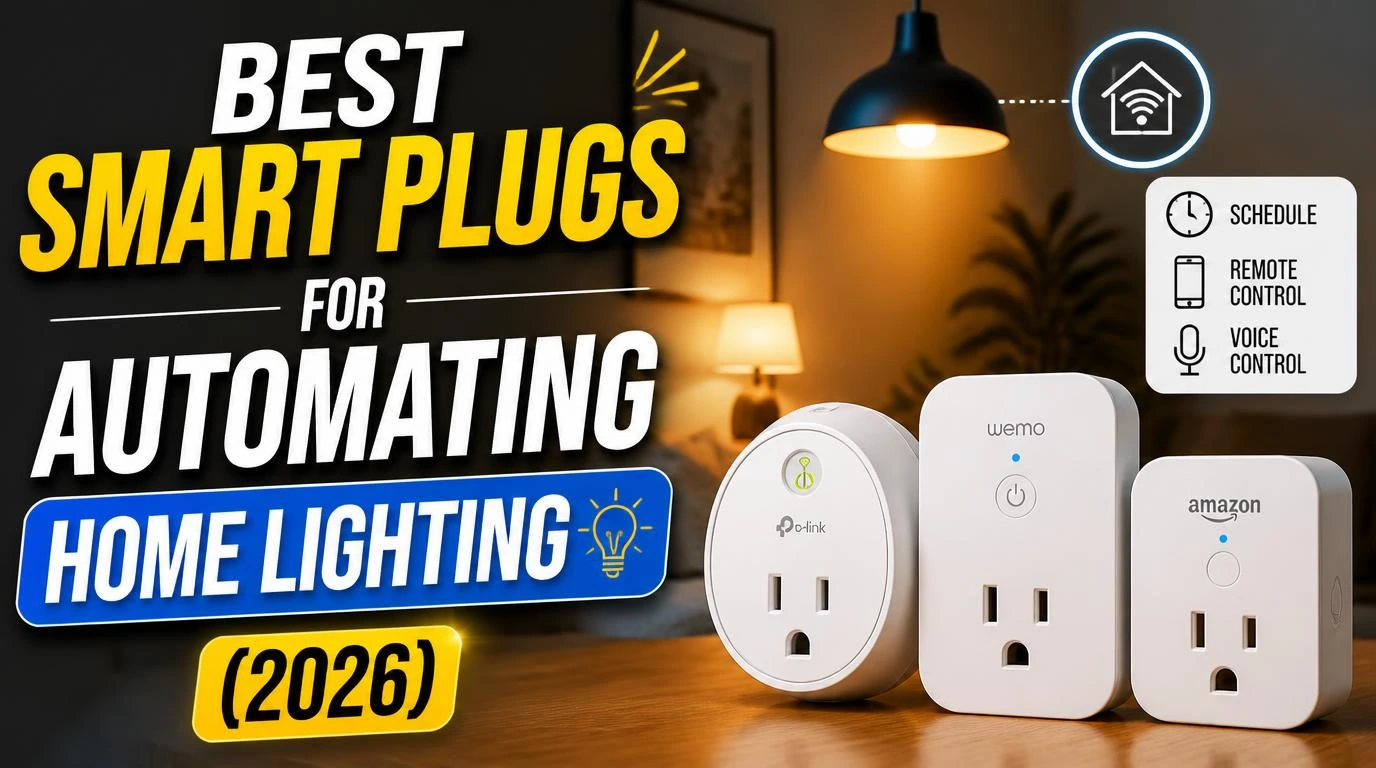
After three months of turning lamps on manually like some kind of caveman, I finally caved and bought my first smart plug. That single purchase spiraled into a full-blown obsession with finding the best smart plugs for automating home lighting. I’ve tested over a dozen models across multiple rooms, and some genuinely surprised me. Others went straight back in the box. Here’s what actually worked.
1. Kasa Smart Plug Mini (EP10) by TP-Link
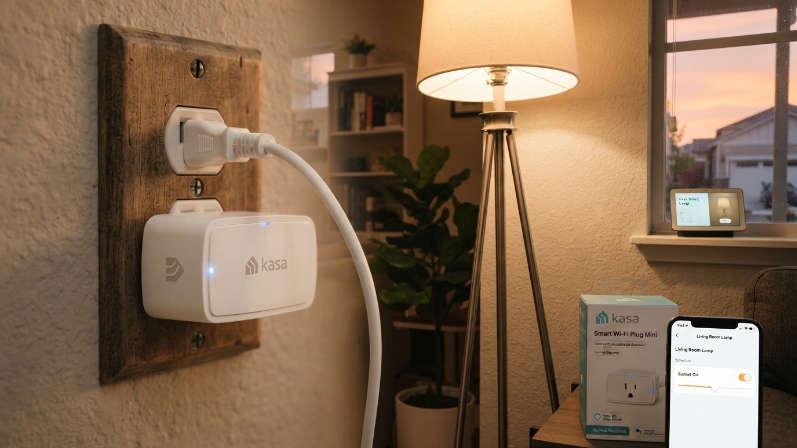
The Kasa EP10 is where most people should start, and it’s where I started too. It’s compact enough that it won’t block the second outlet on your wall plate, which sounds like a small thing until you realize how many smart plugs fail at this basic requirement.
Setup took me about 90 seconds through the Kasa app. The scheduling feature is dead simple, and I use it to turn my living room floor lamp on at sunset every single day without thinking about it. At around $10 per plug when you buy a multi-pack, the value here is ridiculous. It works with Alexa and Google Home right out of the box, no hub needed. If you want reliability without any fuss, this is the one.
2. Amazon Smart Plug
If your home already runs on Alexa, the Amazon Smart Plug fits into your ecosystem like it was born there. And honestly, it kind of was. I plugged it in, and Alexa recognized it within seconds. No app juggling, no account creation, nothing extra.
I use mine for a bedroom table lamp that I control entirely by voice. “Alexa, goodnight” triggers a routine that kills the light and sets my morning alarm. The plug itself is a little chunky, so it does block the neighboring outlet on certain wall plates. That’s my one gripe. But for pure Alexa integration, nothing else comes close. It regularly drops to $12.99 during sales, so watch for those.
3. Meross Smart Wi-Fi Plug Mini (MSS110)
Meross doesn’t get the attention it deserves. I grabbed a four-pack on a whim after reading a Reddit thread, and these little plugs have been running flawlessly for over six months now. They support Apple HomeKit natively, which is a huge deal if you’re an iPhone household.
The MSS110 also works with Alexa, Google Assistant, and SmartThings. I set one up on my kitchen counter lamp with a schedule that turns on at 6:30 AM so I’m not stumbling around in the dark making coffee. The build quality feels solid, the app is clean, and the price per plug in a multi-pack beats most competitors. Meross is the quiet overachiever of this list.
4. Wyze Plug (2021 Model)
Wyze built its reputation on affordable smart home gear, and the Wyze Plug keeps that tradition alive. At roughly $8 per plug, it’s one of the cheapest options that still performs well. I’ve been using two of these in my home office to automate desk lamps on a work schedule.
The Wyze app lets you create vacation mode, which randomizes your lights turning on and off to make your house look occupied. That’s a genuinely useful security feature I didn’t expect at this price point. The plug is compact and stays connected to Wi-Fi reliably. One limitation: it only works with 2.4GHz networks, so keep that in mind if your router defaults to 5GHz. Not a dealbreaker, just something to check before buying.
5. GE Cync Smart Plug (Indoor)
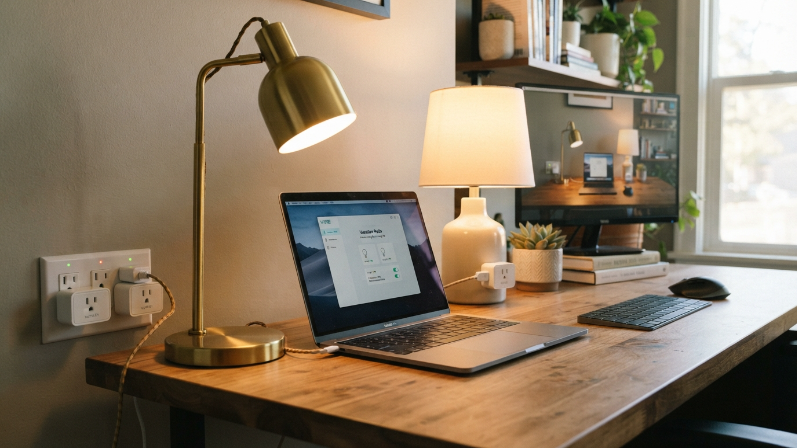
GE’s Cync line has come a long way, and this smart plug impressed me more than I expected. It pairs directly via Bluetooth during initial setup, then connects to your Wi-Fi for remote control. That dual-connection approach makes the first pairing noticeably smoother than most competitors.
I use the Cync plug for a hallway lamp that turns on automatically when the sun goes down, using the app’s built-in location-based scheduling. The plug supports Alexa, Google Home, and works within the broader Cync ecosystem if you already have their bulbs or switches. It’s slightly more expensive than the budget options on this list, usually around $15, but the polished app experience justifies the extra few bucks.
How I Tested These Smart Plugs for Home Lighting
My testing process wasn’t some fancy lab setup. I put each plug on a real lamp in a real room and lived with it for at least two weeks. I tracked three things: how fast and painless the setup was, whether the plug stayed reliably connected to Wi-Fi, and how responsive it felt when triggered by a schedule or voice command.
A few plugs I tried didn’t make this list because they dropped their Wi-Fi connection constantly. One brand, which I won’t name, required a firmware update before it would even pair. That’s an instant fail in my book. The five plugs above all passed my real-world reliability test without drama.
Best Smart Plugs for Automating Home Lighting on a Budget
Not everyone wants to drop $20 per plug across ten lamps. I get it. If budget is your main priority, the Wyze Plug and the Kasa EP10 multi-packs are your best friends. You can automate an entire house worth of lamps for under $50 with either option.
Buy four Kasa EP10 plugs for about $28, set up schedules for your most-used lamps, and you’ll wonder why you waited so long. The money you save on convenience alone, not leaving lights on all day, can actually offset the purchase cost within a few months. Smart plugs are one of the rare tech purchases where the cheapest options genuinely work great.
What to Look for Before You Buy
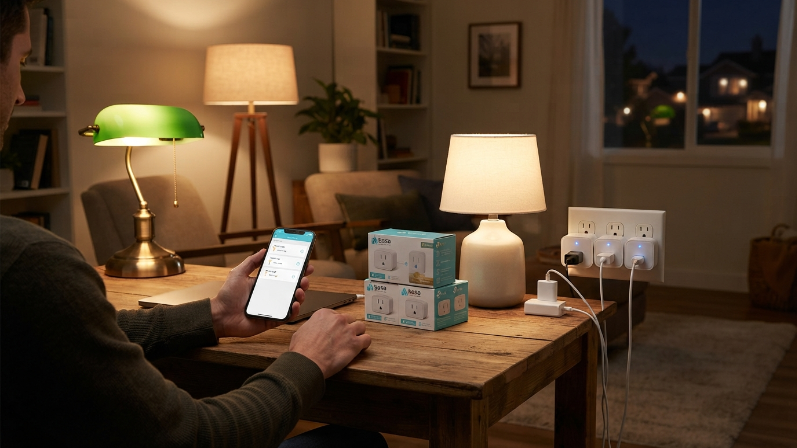
Not all smart plugs play nicely with every setup. Before you grab one, check three things. First, make sure it supports your voice assistant. If you use Siri, you need HomeKit support, and only a few plugs like the Meross MSS110 offer that. Second, measure your outlet space. Some plugs are bulky enough to block the second socket, which gets annoying fast.
Third, check if the plug requires a hub. Every plug on my list works directly over Wi-Fi, no hub needed. Some brands like Zigbee-based plugs require a separate bridge, which adds cost and complexity. For straightforward lamp automation, Wi-Fi plugs keep things simple. Also pay attention to the maximum wattage rating. Most smart plugs handle standard lamps easily, but if you’re plugging in something power-hungry, double-check the specs.
My Personal Setup (What I Actually Use Daily)
Right now, I have seven smart plugs running across my house. Two Kasa EP10s handle the living room, one Amazon Smart Plug runs the bedroom lamp, two Wyze Plugs manage the home office, one Meross controls the kitchen counter lamp, and one GE Cync handles the hallway.
Every single lamp runs on a schedule. Mornings feel seamless because lights are already on when I walk into each room. Evenings wind down automatically. The whole system cost me under $70, and I haven’t touched a lamp switch manually in months. That’s the real magic of automating home lighting with smart plugs: once you set it up, you forget it exists, and everything just works.
Frequently Asked Questions
Do smart plugs work with any lamp?
Yes, smart plugs work with virtually any lamp that uses a standard outlet. Floor lamps, table lamps, string lights, all fair game. The plug controls power to the outlet, so whatever is plugged into it gets turned on or off. Just make sure the lamp’s switch stays in the “on” position so the smart plug can do its job.
Can I use smart plugs without a voice assistant?
Absolutely. Every plug on this list has its own app with scheduling, timers, and remote control built in. You don’t need Alexa, Google, or Siri to use them. Voice control is a nice bonus, but the app-based scheduling is honestly where the real automation power lives. I set most of mine up through apps first.
Are smart plugs safe to leave plugged in all the time?
They’re designed for continuous use, so yes. Every reputable smart plug brand, including Kasa, Meross, and Wyze, has built-in safety features like overcurrent protection. I’ve had plugs running 24/7 for over six months with zero issues. Just buy from known brands and avoid no-name knockoffs on marketplace sites.
Which smart plugs are best for automating home lighting with Apple HomeKit?
The Meross MSS110 is my top pick for HomeKit users. It supports Apple HomeKit natively without any workarounds or third-party bridges. You can add it directly to the Apple Home app, create automations with Siri, and integrate it into HomeKit scenes alongside other Apple-compatible devices. The setup is smooth and the connection stays rock solid.
Do smart plugs use a lot of electricity on their own?
No. Most smart plugs draw about 1 watt of power when idle. That works out to roughly $1 per year in electricity per plug. It’s genuinely negligible. You’ll actually save more electricity by automating your lights to turn off on schedule than you’ll ever spend powering the plugs themselves.
Conclusion
Finding the right smart plug doesn’t have to be complicated. Pick one that matches your voice assistant, fits your outlet, and stays within your budget, then let the schedules handle everything. What room in your house would you automate first?